我的好朋友 Claude
Claude Code slash commands:內建 10 個 + 點整你自己嘅 /command
第 084 期

Claude Code slash commands:內建 10 個 + 點整你自己嘅 /command

進深·科技
第 084 期|Claude Code|創作者|

你 Claude Code 每日貼同樣指示 5 次。Slash command 一招搞掂:定 1 次「/commit」,往後打個指令就啟動。介紹內建 10 個必備 + 教你 15 分鐘整自己嘅 /command。

難度 ★★時間 25 分鐘用具 Claude Code installed (見 第 83 篇)
【編者撰】一個香港人

情境

你 Claude Code 用咗 1 個月。每日流程:

15 個每日 prompt,每個你打一遍。計過:每日 5-10 分鐘打同樣嘢。每月 2.5-5 個鐘。

Slash command 一個字搞掂:

呢類預定指令慳你每日打字時間,更重要係 —— 跨 session、跨 team 統一你個 workflow

呢篇拆內建 10 個必備指令 + 教你 15 分鐘整自己嘅 /command

跟住做

1. 內建 slash commands

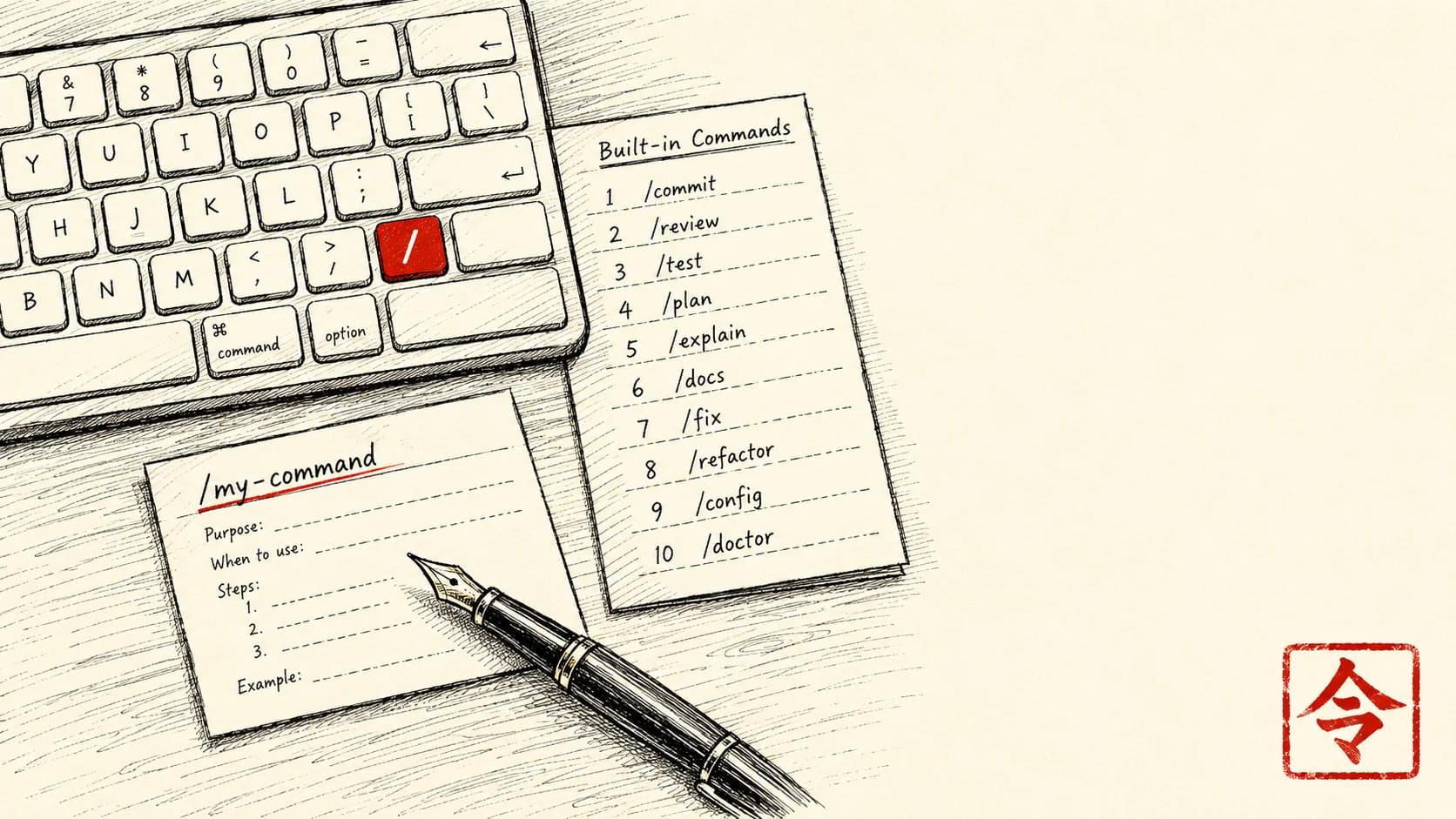
開咗 Claude Code 之後打 /,就會列出當前有得用嘅指令:

🛠 設定 + 資訊

📁 處理檔案

🔍 理解程式碼

🤖 Agent 管理

⚠️ 有得用嘅指令會隨版本變。/help 永遠顯示當前完整列表。

2. 每日 workflow 例子

朝早重設

/clear
# Fresh conversation start

Session 中段 compact(對話感覺慢):

/compact
# Old messages summarized, context 保留核心

做完一個 feature commit

/review
# Claude reviews diff, flags issues
# If OK:
/commit
# Generates message, you confirm

解釋 code(喺 IDE 揀起一個 function):

/explain
# 揀選嘅 code 會被 explain

3. 點整自訂 slash command

每個用家都可以加自訂 /command。位置:

例:整個 /release-notes command。

建立 file ~/.claude/commands/release-notes.md

---
description: Generate release notes from recent commits
---

請 review 過去 7 日嘅 git commits + generate user-facing release notes:

1. Run `git log --since="7 days ago" --oneline` 拎 commits
2. Group commits by type (feat / fix / refactor)
3. Translate technical commit message → user-readable feature description
4. Format as markdown 「## What's new」 section
5. 排序: new feature first, bug fix second
6. 唔包含 internal refactor (除非 user-facing impact)

Output structure:
## ✨ New features
- ...

## 🐛 Bug fixes
- ...

## 🔧 Improvements
- ...

語氣:concise, user-focused, 唔好 technical jargon.

存好個 file。返 Claude Code,打 /release-notes

Claude 即刻讀你嘅指示 file 再執行。每次 release 準備好 → 一個字指令 → notes 出嚟。

4. 進階:command 加 arguments

自訂 command 可以收 argument:

~/.claude/commands/refactor-function.md

---
description: Refactor a specific function with clear input
---

請 refactor 我指 function:

Function name (from 我 first message): $ARGUMENTS

Step:
1. Locate function 喺 codebase
2. Identify: complexity / readability issue
3. 提 2-3 refactor option
4. Implement after my approval

叫起:

/refactor-function calculateTotal

Claude 讀完指示,$ARGUMENTS 就等於 calculateTotal,知道要重構邊個 function。

5. 進階:限制 command 用嘅工具

有啲 command 想限定淨係用某幾樣工具:

~/.claude/commands/read-only-review.md

---
description: Read-only architecture review (no edits)
allowed-tools: Read, Grep, Bash(git diff:*)
---

請讀過 codebase + 出 architecture overview:

1. 用 Read tool 識 main entry point
2. Grep 揾 critical module
3. 不要 edit 任何 file
4. Output:
   - Architecture diagram (mermaid)
   - 3 個 strength
   - 3 個 weakness / refactor opportunity

呢類唯讀 command 夠安全,唔會一個唔小心搞爛嘢。

6. 同 team 分享 commands

如果成隊開發 team 都用 Claude Code,將共用嘅 ./.claude/commands/ commit 入 git repo:

# In project root
mkdir -p .claude/commands
git add .claude/commands/

Team commit 共用 commands。新同事 pull 個 repo,打 /your-command 即刻用得。成隊人個 workflow 就統一晒。

變化

變化 1:將常見規律整理成 commands

用 Claude Code 一個禮拜之後,自己盤點吓:

「邊個 prompt 我打過 5 次以上?」

頭 5 名 —— 每個變一個自訂 slash command:

每個 15 分鐘整起,之後每日每個慳 5-10 分鐘。

變化 2:Project-level 同 user-level 嘅分別

User-level~/.claude/commands/):跨 project 都有用嘅通用

Project-level./.claude/commands/):呢個 codebase 獨有

Project-level command 跟住 codebase 走 —— 成隊人入同一個 repo,用同一批 commands。

變化 3:Slash commands + skills + hooks 三者組合

3 層自訂工具疊埋一齊:

用途有時會重疊 —— 你揀邊一層:

例:

拆解:點解 work,同邊度會仆街

跟到上面就已經用得。下面呢段係畀**想由「整咗個 command 跑得」做到「半年後重組個 repo 都唔會無聲無息壞咗」**嘅人——初學者可以跳過,唔影響你跟住做。

自訂 command 最呃人嘅地方係:佢只係一份 prompt template,唔係 program。你打 /commit,Claude 唔係執行一段保證行為一致嘅 code,而係再讀一次你份指示、即場重新詮釋。所以「今次出嚟啱」唔代表「下次同隊友嗰邊都一樣」。呢幾個位你要預咗:

1. $ARGUMENTS 唔會幫你 validate/refactor-function calculateTotal,份 template 直接將 calculateTotal 塞落 prompt。如果你打錯名、打咗個唔存在嘅 function、或者乜都唔打,command 唔會即刻停低話你知。

2. User-level command 假設咗你部機嘅環境 ~/.claude/commands/ 嘅 command 跨所有 project 共用。但你 /test 入面如果寫死咗 pnpm test,去到一個用 npm 或者 pytest 嘅 project 就唔 work。

3. allowed-tools 收得太緊會靜靜哋失敗 你為咗安全,read-only-review 限死 Read, Grep, Bash(git diff:*)。但如果份指示叫佢做啲超出範圍嘅嘢(例如要跑 git log),佢未必會大大聲報錯,可能只係靜靜哋略過嗰步。

4. Commit 入 repo 嘅 command,會跟住你嘅習慣一齊散播 你將 /commit 嘅 template commit 入 team repo,係好事——但如果你份 template 寫死咗你個人風格(例如硬性要 emoji prefix、或者假設咗某個 branch 命名),成隊人一打就跟你套習慣走。

5. Command 一多就無人記得邊個做乜 變化一叫你儲頭 5 名常打嘅 prompt,但儲到 15-20 個之後,/explain/explain-error/review/read-only-review 開始撞名撞職能。

呢幾個位,就係「整咗個 command 跑得」同「成隊人用足半年都信得過」之間嘅距離。

一個心態

Slash command 嘅深層價值唔係「打字快咗」—— 係將你自己嘅 workflow 固定落嚟,變成一個可以重用、又有名有姓嘅程序

你個腦每日都喺度由頭諗「點 commit」「點寫 release notes」「點解釋個 bug」。每次重新諗都係 5-10 分鐘心理負擔。Slash command = 設計一次,往後重複執行。

長遠嚟講:你嘅 ~/.claude/commands/ 會變成你「工程思維嘅延伸」—— 10-20 個自訂指令,經年累月磨利。新同事一睇你啲 commands,就明你個 workflow 哲學。

最後提醒:

下個鐘就整一個自訂 command。一個禮拜之後,你會本能咁打 /your-command

文中工具 · 連結

  • 開發者用 — terminal 入面同 Claude pair coding

睇完想同 Claude 一齊行一次?

撳一撳,就將成段 tutor 指示(連埋成篇文嘅內容)抄入剪貼簿。 貼入 Claude.ai 或 Claude Desktop,佢會用廣東話帶你一步一步行, 每步問你填關鍵位,最後畀返一個專為你情況寫嘅 prompt 帶走。

下期預告 · 相關情境
訂閱本副刊

每週日早上,
一道新菜送到你 inbox。

一篇 use case、一個香港情境、一個跟得到嘅做法。 冇 sell course、冇話你「再唔學就會失業」。

訂閱通道執緊緊
newsletter service 仲未接通。想第一時間收到新文章——
直接 email 我哋寫一句「訂閱」就得。

Email 「訂閱」畀我