我的好朋友 Claude
Claude Skills:整自己嘅 skill 慳每日 30 分鐘 prompt 輸入
第 079 期

Claude Skills:整自己嘅 skill 慳每日 30 分鐘 prompt 輸入

進階·商家
第 079 期|Cowork|打工仔、創作者、老闆|

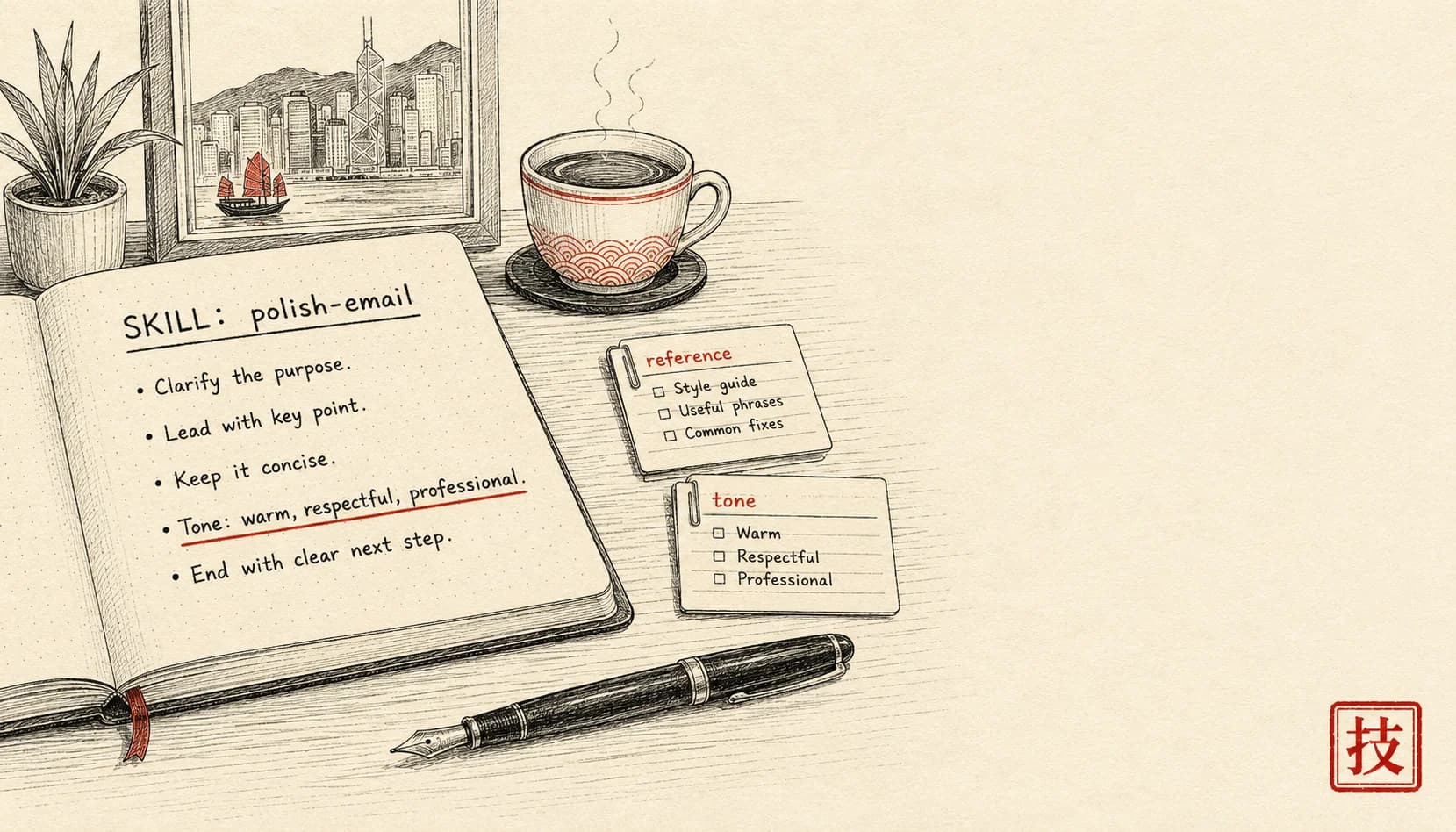
你每星期寫 5 次「執靚呢段 email,要專業但唔生硬」,每次貼 3 段參考加語氣規則。Claude Skill = 一個 markdown 文件記低晒邏輯同參考,往後叫個 skill 名就直接行。教你由零整第一個 skill。

難度 ★★時間 45 分鐘用具 Claude.ai (Pro / Team / Max)、文字編輯器(VS Code / Sublime / Notes)
【編者撰】一個香港人

情境

你做 admin,公司每星期出 3-5 封客戶 email。每封流程一樣:

  1. 你打一段 message
  2. 同 Claude 講「執靚呢段 —— 要專業但唔生硬,要 HK 客感覺真誠,唔好行貨味」
  3. 貼 3 個過往好嘅 example 做參考
  4. 貼公司語氣規範
  5. Claude 出 3 個版本
  6. 你揀一個再微調

每次貼 5 段加揀 = 12-15 分鐘。每星期 5 次 = 75 分鐘。每年 65 個鐘貼同一啲嘢。

呢個問題同 Projects 唔同:

呢個就係 Claude Skills 解決嘅問題。

Skill = 一個 markdown 文件(加可選嘅 helper files),描述:

整完之後,Claude 喺對話入面會自動認出應該叫邊個 skill,跟住個 workflow 行。

呢篇 45 分鐘整第一個 skill,往後幾百封 email 執靚都唔使再貼規則。

⚠️ Skills 而家係 Pro / Team / Max plan 嘅功能(部分早期版本)。

跟住做

1. 認識 skill 嘅結構

每個 skill 係一個 folder,入面有:

my-skill/
├── SKILL.md              # 主要 instruction 文件
├── reference/
│   ├── good-examples.md  # 你過往好嘅 output(可選)
│   ├── tone-rules.md     # 詳細規則(可選)
│   └── templates/
└── scripts/              # 進階:bash / python helper(可選)

最簡單嘅 skill = 1 個 SKILL.md。複雜啲嘅 skill 加參考 files 同 scripts。

SKILL.md 嘅結構:

---
name: email-polish-hk
description: Polish English email for HK client — professional but warm, avoid corporate cliche. Trigger keywords: polish, email, client message, 改 email.
---

# Email Polish (HK)

## When to use
- User pastes a draft email + asks for polish / improve / tone-adjust
- 唔好 trigger 喺 social media / 內部 message

## Step-by-step
1. 讀 draft 揾 3 樣嘢:唔清晰嘅句 / 行貨 / 過度 hedging
2. 出 2-3 個 polish 版本,每個角度唔同
3. 結尾標明邊個版本你建議 + 1 句原因

## Rules
- 唔用:「I would like to」/「Please be advised」/「Kindly」
- 改用:「Want to」/「Just wanted to flag」/「Could you」
- 短句 > 長句
- 結尾唔好「Thank you for your understanding」—— 改用「Let me know if anything」

## Reference
See `reference/good-examples.md` for 5 past polished emails.

呢個 frontmatter(頂嗰個 YAML block)嘅 description關鍵 —— Claude 用呢段判斷「呢個對話應唔應該叫呢個 skill」。寫具體啲。

2. 整第一個 skill

打開文字編輯器,開個 folder email-polish-hk/,開個 file SKILL.md,貼上面個 example 改成你具體情況嘅內容。

關鍵欄位:

Name:kebab-case,獨一無二咁識別個 skill Description:包括 trigger keyword 同清楚講用途。例如:「Trigger when user asks to 執靚 / 改 / 微調 an English email for HK client. Skip for casual social posts.」 When to use section:劃清界線,等 Claude 知幾時唔好叫 Step-by-step:你想 Claude 跟嘅程序 Rules:硬性規限 Reference:連去 supporting files

3. 加參考 files

reference/good-examples.md 範例:

# Past polished emails (good examples)

## Example 1 — Late delivery notice
**Original**: 「I would like to inform you that the order has been delayed due to unforeseen circumstances.」
**Polished**: 「Just heads up — your order's delayed by 3 days. Quick context: factory had a power issue Tuesday. New ETA Friday. Sorry about this.」
**Why better**: 具體原因 + 具體日期 + 真誠道歉

## Example 2 — Pricing question
**Original**: 「Kindly note our pricing structure as follows:」
**Polished**: 「Pricing's tiered by quantity:」
**Why better**: 直入

## Example 3 ...

呢個 file 比抽象規則強 10 倍 —— Claude 參考真實 example 嘅規律。

4. 將 skill 裝入 Claude

方法視乎你嘅 access level:

方法 A —— Claude.ai Pro plan

方法 B —— Claude Code(開發者)

方法 C —— Claude API / SDK

5. 測試 skill

返去 Claude 對話,貼一段 email 草稿:

我想 polish 呢段:

「Dear Mr Chan, I would like to inform you that the delivery 
of your order has been delayed due to unforeseen circumstances. 
We sincerely apologize for any inconvenience caused. Please be 
advised that we are working diligently to resolve this matter.」

如 skill description 寫得啱,Claude 會:

  1. 自動認出「呢個係執靚 email 嘅請求」
  2. 叫起 skill workflow
  3. 套用你嘅規則同參考 example
  4. 2-3 個版本,再建議 1 個

如果 Claude 冇自動叫:

6. 每週調整 skill

同 Projects 一樣,第 1 個禮拜個 skill 唔會完美。每個禮拜五 5 分鐘:

3 個月後你個 skill 會自己進化到極準。

變化

變化 1:多步 skill(workflow chain)

複雜啲嘅 skill 唔淨止 1 步。例如「由 project notes 出每週報告」:

# Weekly report generator

## When to use
User has pasted week's project notes (rough bullet form) and wants summary.

## Step 1: Categorize notes
- Split bullets into: progress / blocker / decision / 跟住做
- 列清楚類別,唔好 mix

## Step 2: Identify themes
- 揾 2-3 個跨類別嘅 recurring theme
- 1 句 summary 每個

## Step 3: Draft report
- 結構:
  - 1 段 executive summary
  - 「This week」section(3-5 個 bullet)
  - 「Blockers」section(最多 3 個)
  - 「Next week」section(3 個 bullet)
- Tone:事實為主,唔好 over-promise

## Step 4: Format
- Markdown
- 唔超過 400 字
- 每個 section 1 個具體數字(具體 > 行貨)

## Rules
- 唔好加「I think」/「probably」—— 你係 report 事實,唔係意見
- 如 notes 不足以分類,反問 user

## Reference
See `reference/past-reports.md` for tone calibration.

變化 2:Project 同 skill 嘅分別

新手好易撈亂。快速釐清:

Project:對話入面長駐嘅 context(例如你公司嘅 brand voice 永遠開住) Skill:某個 workflow 嘅程序(例如「執靚 email」流程,觸發時先啟動)

可以同時用:Project 提供長駐 context,Skill 提供任務專屬程序。

例:Bull Kicks Brand project + email-polish skill + sales-pipeline skill + product-description skill = 4 個 skill 喺同一個 project 入面各自可叫。

變化 3:將 skill 分享畀同事或者 community

你整嘅 skill 可以分享。將 skill folder zip 起上載去:

人哋裝咗你個 skill 之後,可以叫起佢再調整成自己嘅版本。

如果你個 skill 解決一個常見嘅 HK 問題(例如「執靚商業 email」、「寫道歉信」、「整 IG caption」),分享出去會比你一個人用有價值好多 —— community 版本會持續改善。

一個心態

Skill 同 Project 嘅深層價值唔係「自動化」—— 係逼你將心照不宣嘅 knowledge 講清楚

你寫 SKILL.md 嘅過程,逼你講出聲:「我點執靚一封 email?」「我點揀邊個字好啲?」呢類心照嘅判斷平時喺你個腦 0.5 秒就發生,但要講清楚出嚟就要 30 分鐘。

寫完之後你對「自己嘅 craft」嘅理解深一個層次。Claude 教得好咗,但真正受惠嘅係你自己嘅思維清晰度。

最後提醒:

整第一個 skill 嗰朝你會發現 —— 你以為「我喺腦入面已經做完㗎啦」嘅嘢,講清楚出嚟,竟然有 30 條暗藏規則。Skill = 你 craft 嘅一份活文件。

文中工具 · 連結

睇完想同 Claude 一齊行一次?

撳一撳,就將成段 tutor 指示(連埋成篇文嘅內容)抄入剪貼簿。 貼入 Claude.ai 或 Claude Desktop,佢會用廣東話帶你一步一步行, 每步問你填關鍵位,最後畀返一個專為你情況寫嘅 prompt 帶走。

下期預告 · 相關情境
訂閱本副刊

每週日早上,
一道新菜送到你 inbox。

一篇 use case、一個香港情境、一個跟得到嘅做法。 冇 sell course、冇話你「再唔學就會失業」。

訂閱通道執緊緊
newsletter service 仲未接通。想第一時間收到新文章——
直接 email 我哋寫一句「訂閱」就得。

Email 「訂閱」畀我